scene-based effects
Flow, caustics, lava, comet, aurora, fire and more. Every device follows the main effect or runs its own, with its own palette, colour or white from 2700 to 6000 K.
 control
One lighting scene for your PC and your room. The RGB inside the case and the lights on the wall, driven by a single effect engine: colours flow from the RAM through the strip onto the wall.
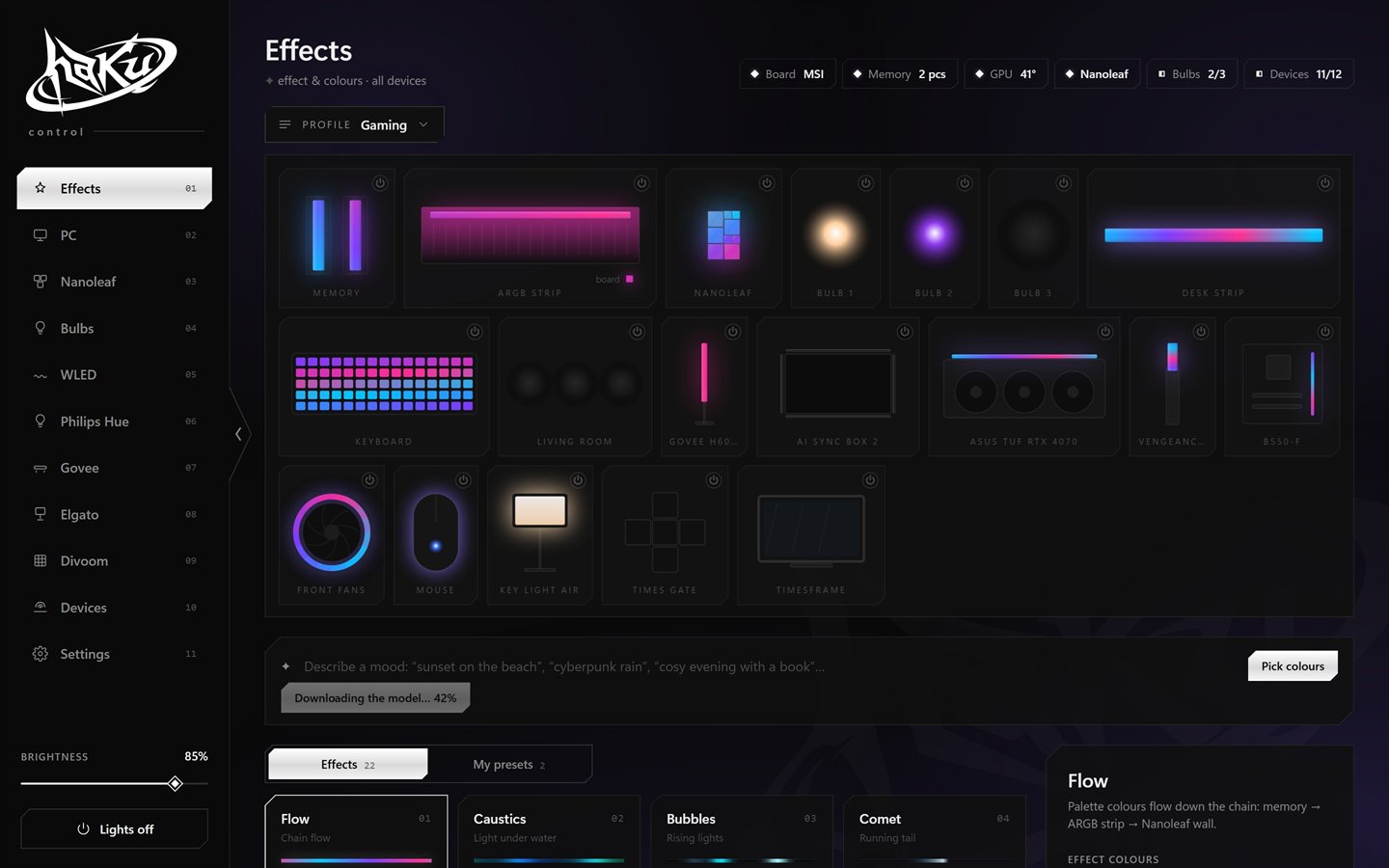
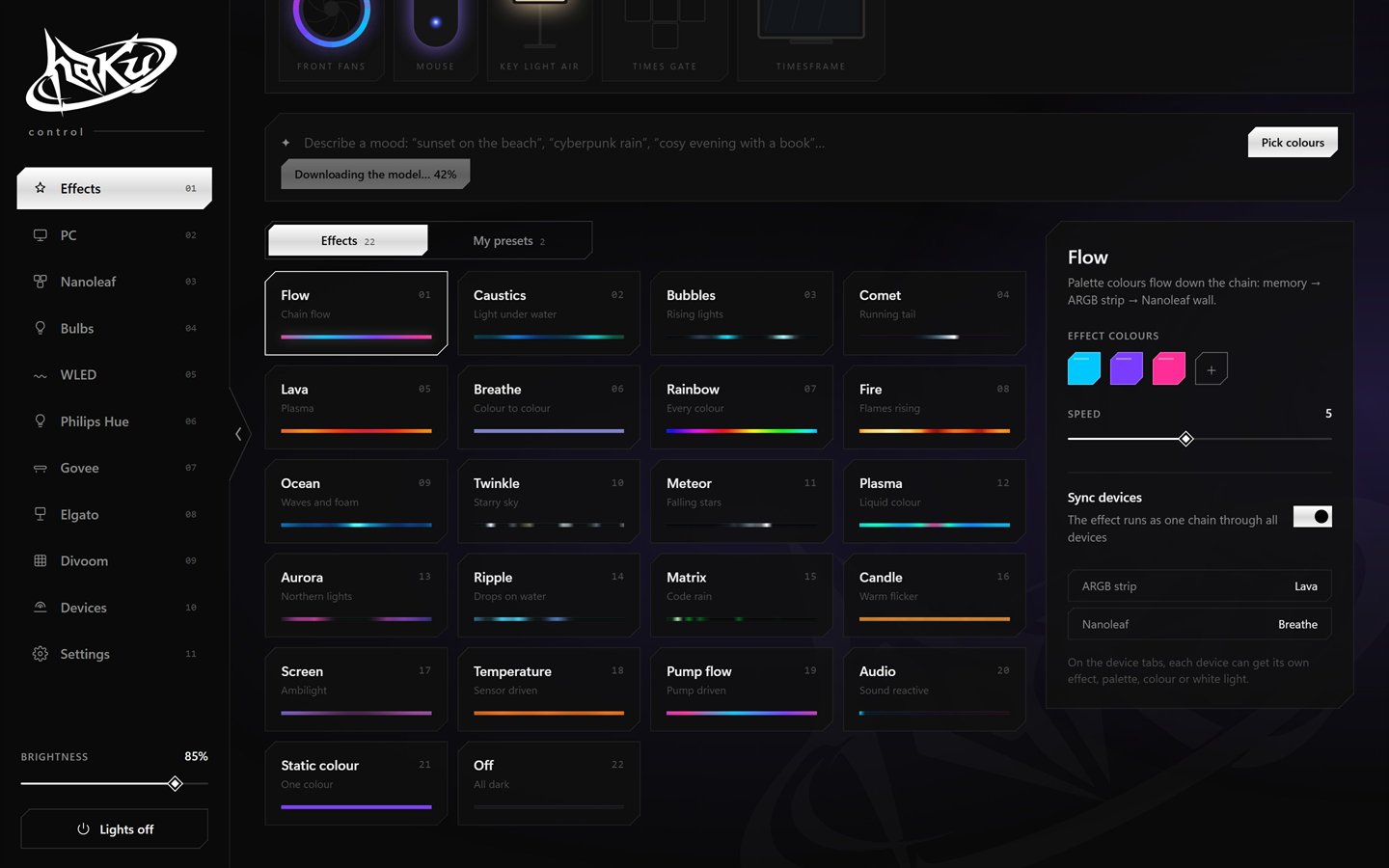
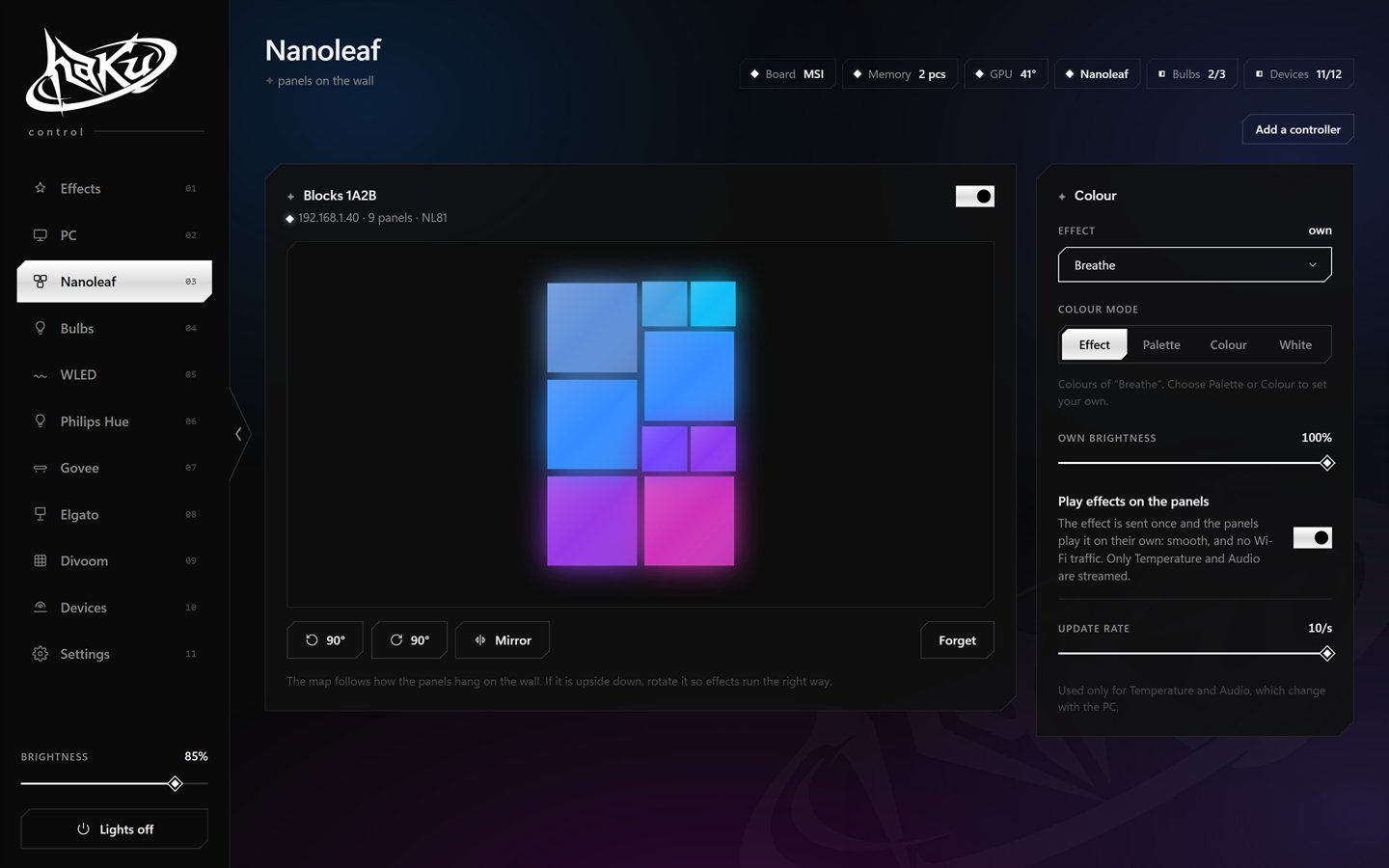
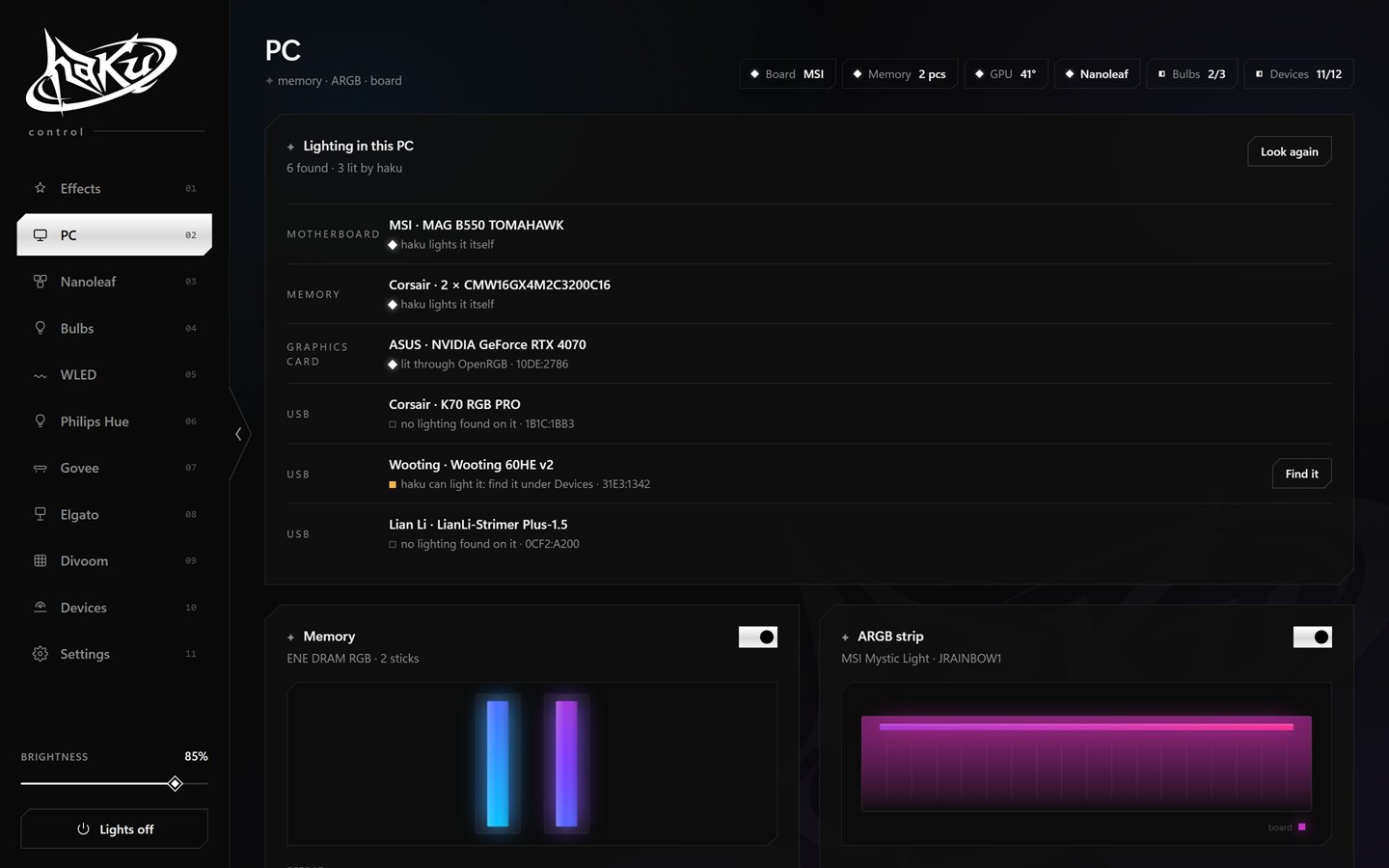
Flow, caustics, lava, comet, aurora, fire and more. Every device follows the main effect or runs its own, with its own palette, colour or white from 2700 to 6000 K.
Gaming, work, night: each keeps its effect, colours and which devices are on. Switch from the tray, the phone or a hotkey.
The lights follow what is on the screen: strips around the edges, a Nanoleaf wall as a mosaic. About 0.1% of an 8-core CPU.
Scan a QR code and the same interface opens on your phone, over your home network only. Shortcuts and scripts can send commands too.
Type “sunset on the beach” and a local language model picks the colours, effect and speed. Runs offline through Ollama.
Off in the app means really off. When the PC sleeps or shuts down, the room goes dark, or keeps its own state, as you choose.
Nanoleaf Blocks and AiDot bulbs are verified on real hardware; the rest are tested against simulators. Own one of them? Reports on GitHub help a lot.
Get haku-control-setup.exe from the latest GitHub release and run it.
The app talks to the motherboard and memory, so it starts at sign-in through an elevated task.
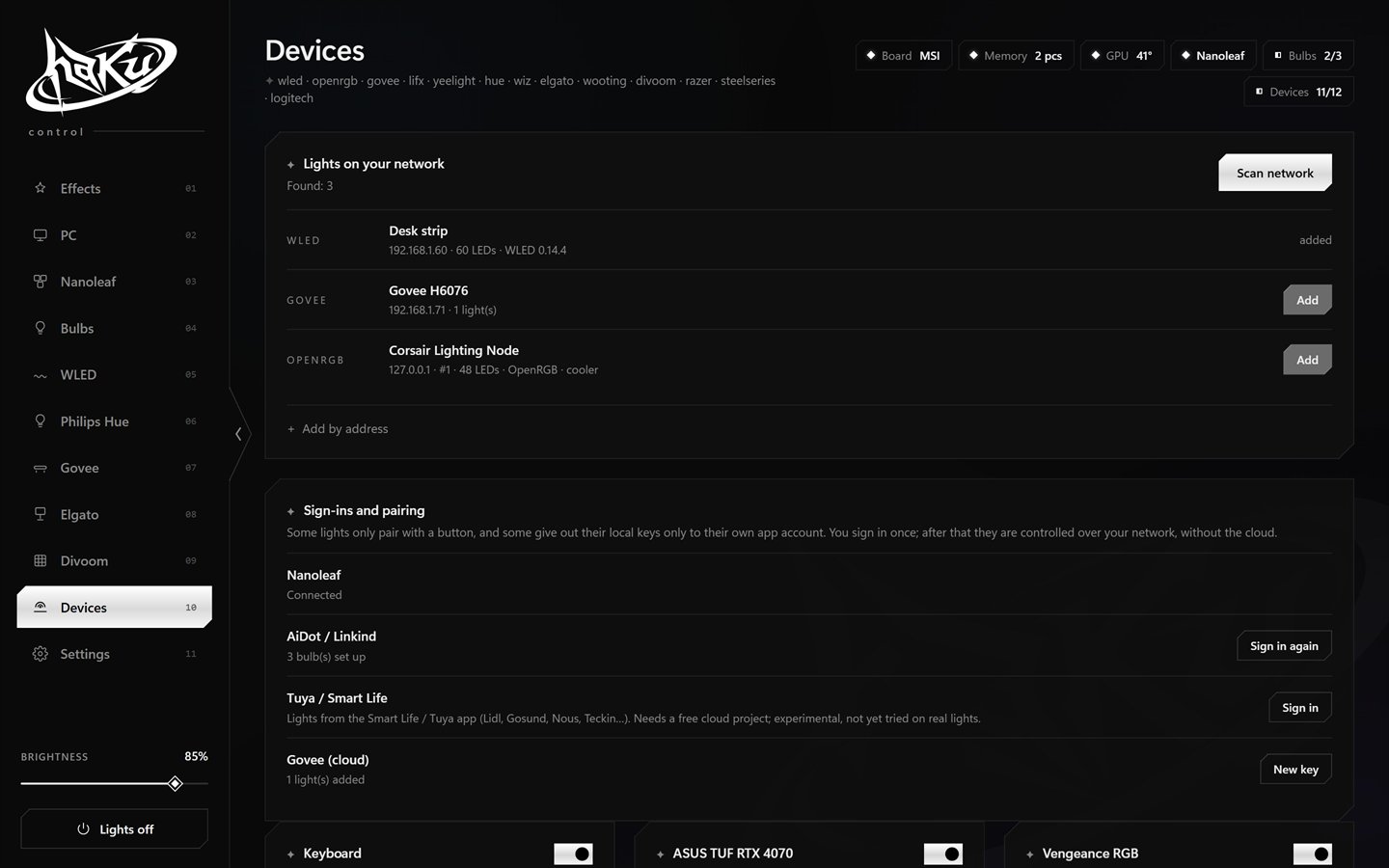
It sits in the tray. On first start a short guide shows what was found and scans the network for lights.
Needs Windows 10/11 x64 and the WebView2 Runtime (built into Windows 11). Memory lighting needs PawnIO ↗. Updates install themselves, settings are kept.

Free, GPL-3.0, no account. Everything stays on your PC and your network.